rumisauce.
The chain I master with, matched stage by stage.
Nine stages around one display, and a master that lands on target.
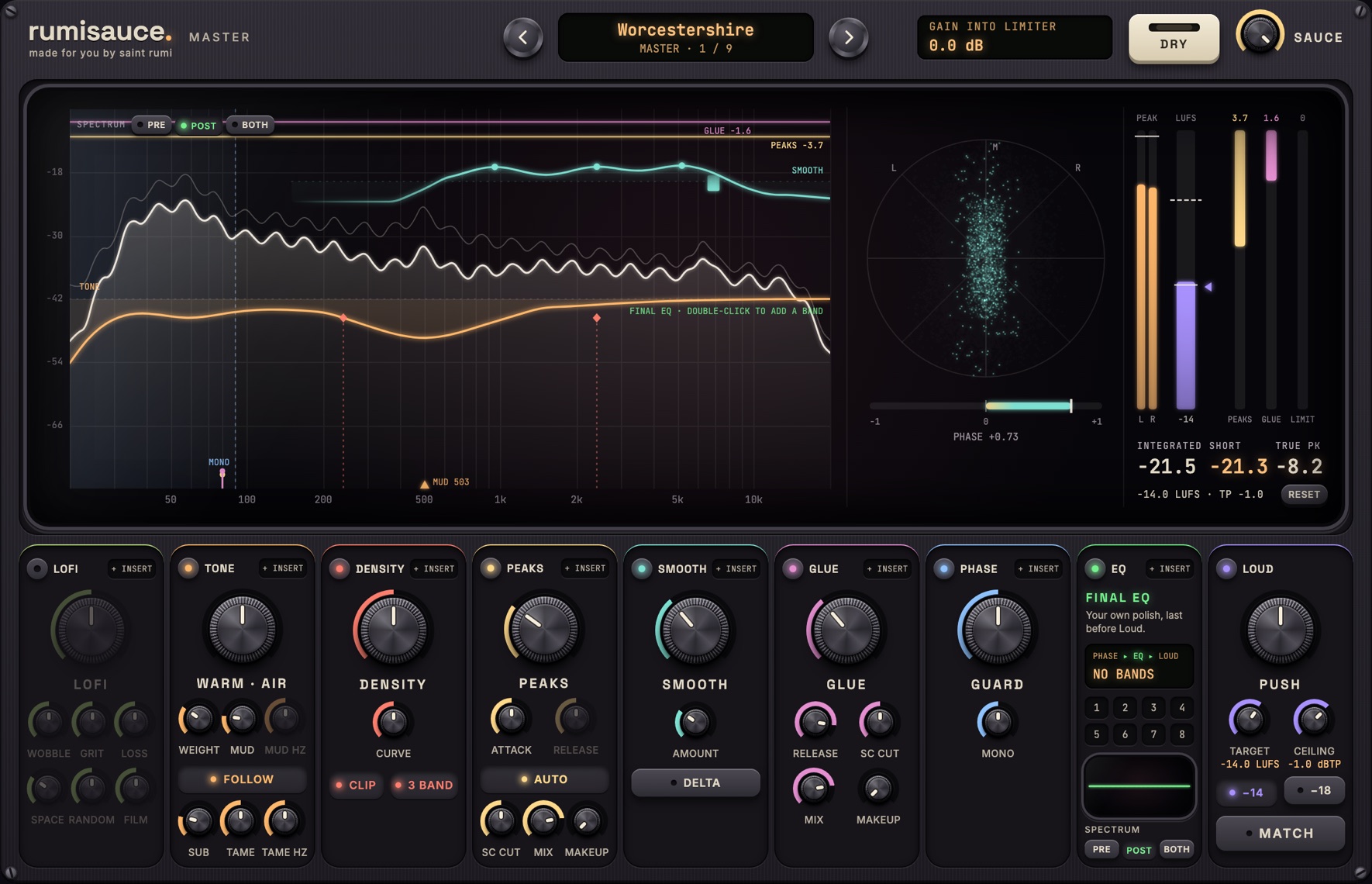
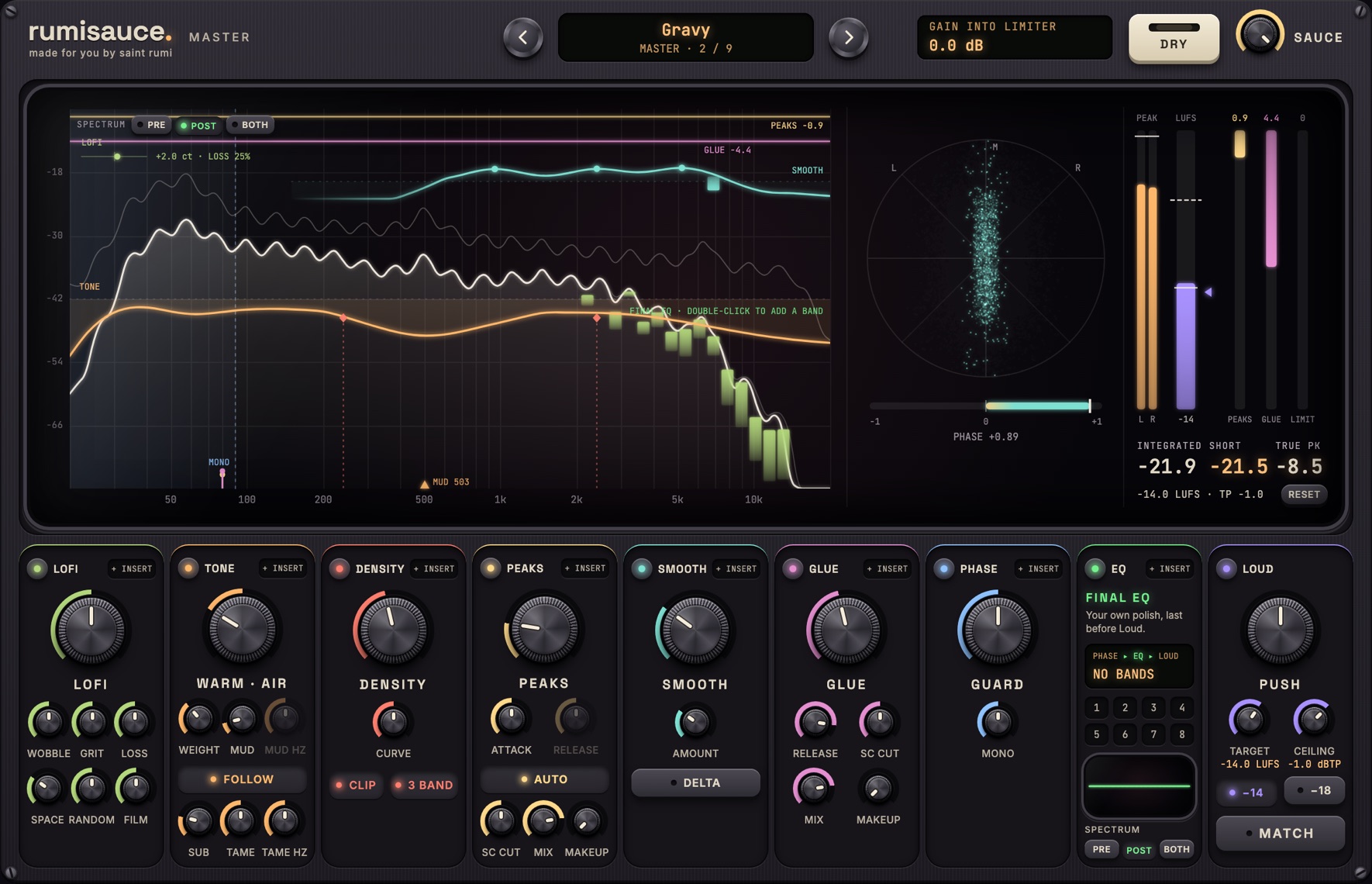
The real panel, running in your browser on a stand-in signal. Turn the knobs. It makes no sound here.
Nine stages.
One switch each.
Lofi, Tone, Density, Peaks, Smooth, Glue, Phase, EQ, Loud. Switch a stage off and it’s out of the circuit.
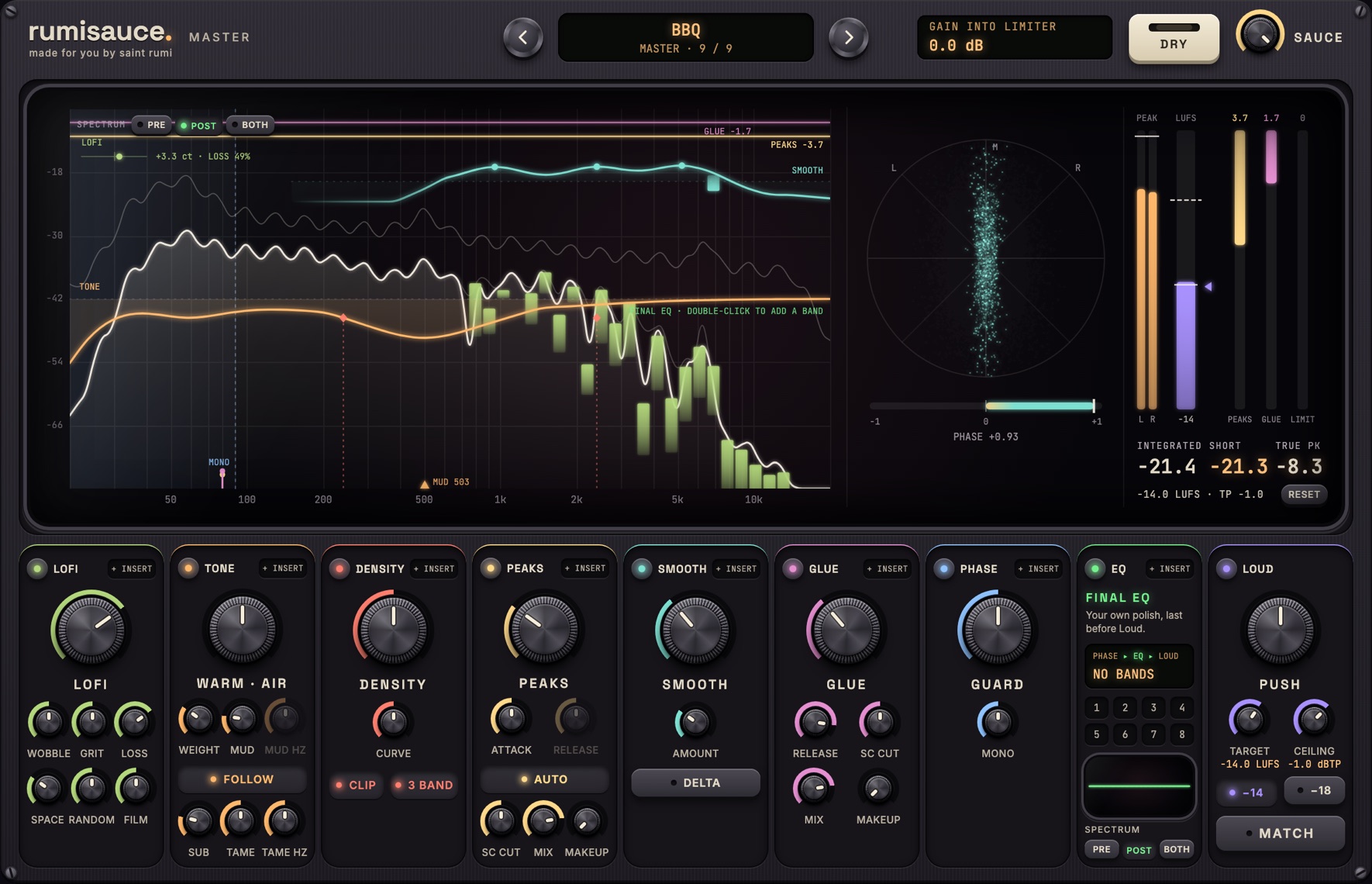
- Lofi. Wobble, grit, codec loss, a little plate and Film. Random sets how much it all wanders. Off until you want it.
- Tone. Sub cut, low weight, a mud cut that follows the song, warm or air. Tame pulls the lows back on loud bass notes.
- Density. Lifts the quiet, rounds off the loud, in three bands.
- Peaks. The fast compressor. Auto release lets the music set it.
- Smooth. Turns down harsh resonances, only while they stick out.
- Glue. The slow compressor that pulls it together.
- Phase. Mono low end, and a guard for mono playback.
- EQ. Eight bands of final polish, by hand.
- Loud. Gain to your target, then a true-peak limiter.
Matched by
measurement.
Every stage was tuned against the classic plugin it stands in for in my own chain, at my settings.
- Some match almost exactly: the loudness shaper cancels against its original, and the EQ curves land within a thousandth of a dB.
- The random and spectral ones (Lofi’s wobble and codec loss, Smooth’s resonance cuts) can’t cancel against anything, even against themselves. Those match in character: the same spread, the same depth, the same kind of cut.
The last
eight bands.
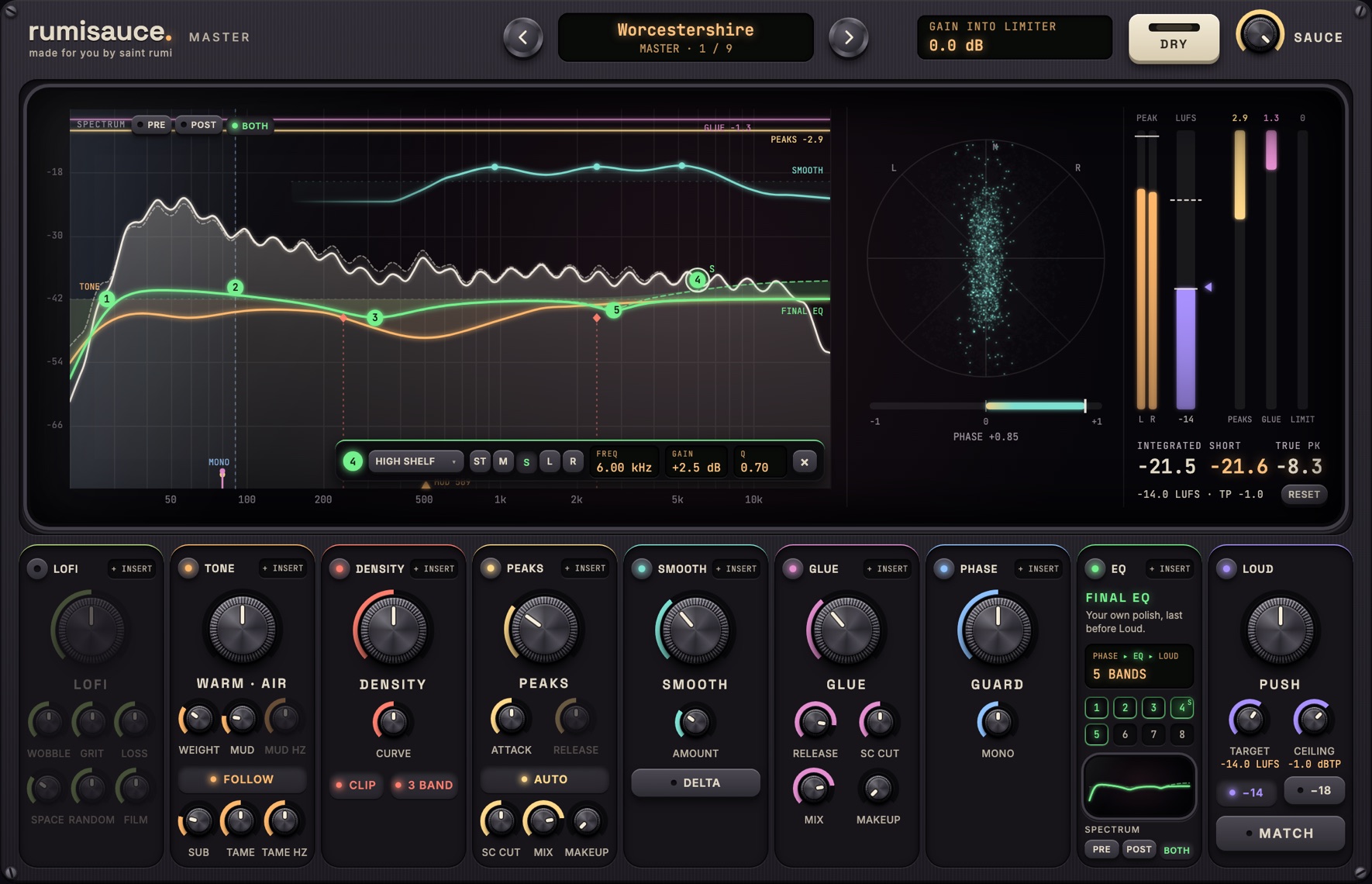
A final EQ, drawn and dragged right on the spectrum, after everything else and just before Loud.
- Bell, shelves, cuts from 6 to 48 dB/oct, and a notch.
- Stereo, Mid, Side, Left or Right, per band.
- See the spectrum going in, coming out, or both.
- Zero latency. Move a band as fast as you like and it doesn’t click.
- Presets leave it alone. It’s your polish.
Play it once.
Land on target.
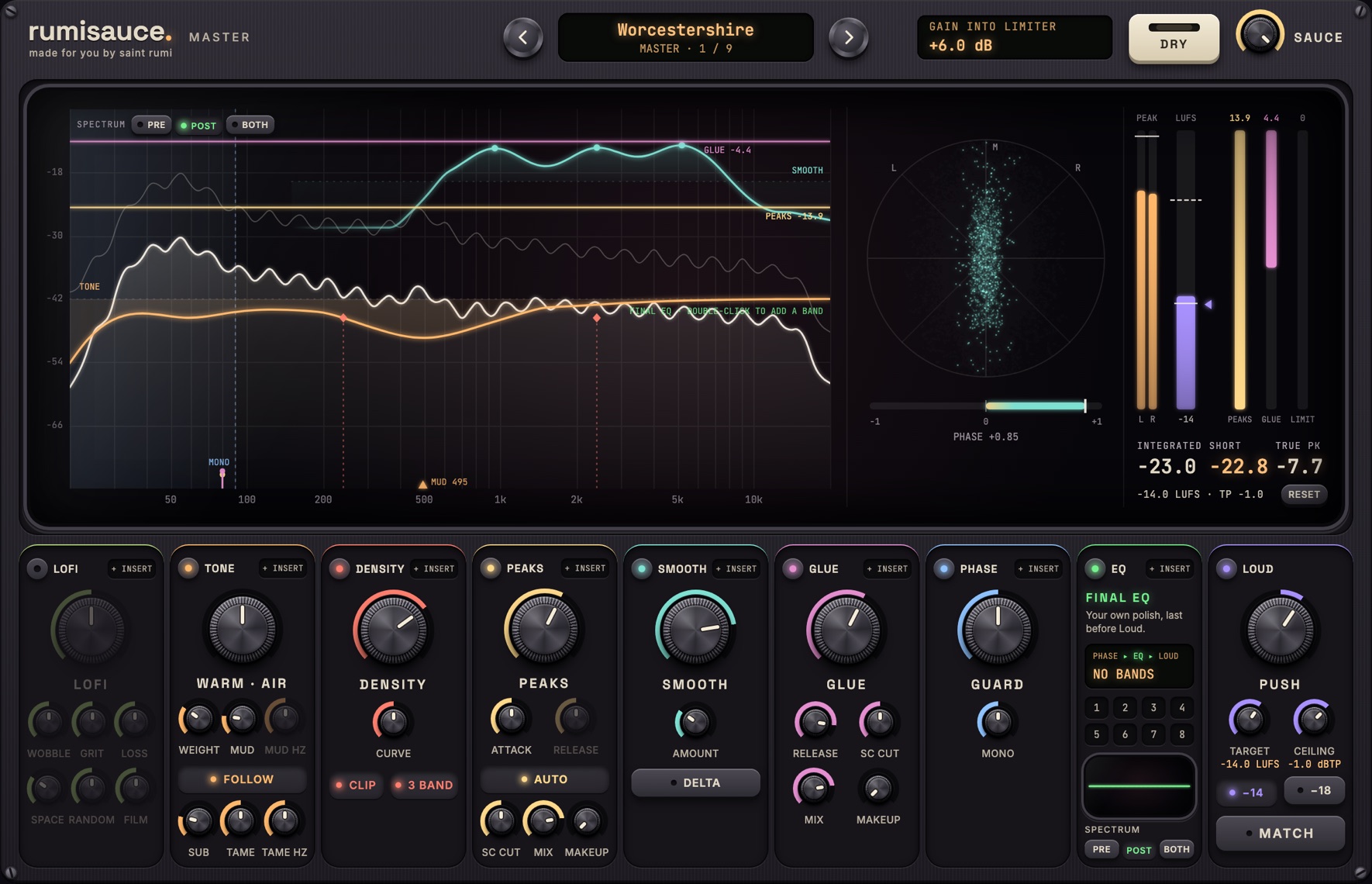
Match listens to the whole song, then works out the loudness for you.
- Set your target and ceiling.−14 LUFS for streaming, −18 for Atmos, with a true-peak ceiling (−1 dBTP by default).
- Press Match.Play the song from start to finish.
- Press it again.Push jumps to the gain that lands the limited master on target, even with the limiter working hard.
The sauce
is one knob.
The little moves I make on every master, kept where they sit in the chain, under one amount knob.
- Turn it down for less of me, up for the usual amount.
- The mud cut follows the song. It finds where the low mids build up and works right there.
Swap in
your own.
Every stage except Loud can hand its spot to another plugin.
- Press Insert and pick any VST3 or Audio Unit you own. It runs exactly where that stage sits in the chain.
- Want your favourite compressor as the slow one? Put it in Glue.
- It’s saved with your project, its latency is reported, and Match measures the song with it in place.
Off means
off.
Switch a stage off and it’s out of the circuit.
- Dry. Hold it to hear the unmastered mix, lined up in time.
- Delta. Hear only what Smooth is taking away.
- LUFS, true peak, stereo picture and correlation on one display. Hover any control for a plain-words explanation.
rumisauce.
VST3 · AU · AAX
macOS 12 or later · Apple Silicon and Intel · Windows 10 or later · 64-bit